Material
Material
Path: Main menu > Project > Print/Preview…
Path: Main menu > Material > New polymer… Button: Print…
Path: Main menu > Material > New polymer (blend)… Button: Print…
Path: Main menu > Material > New filled polymer… Button: Print…
Path: Main menu > Material > Edit material (file)… Button: Print…
For every kind of material the user can print the thermodynamic and rheological data as well as the Density with the overall related mathematical interrelations (cf. figure).
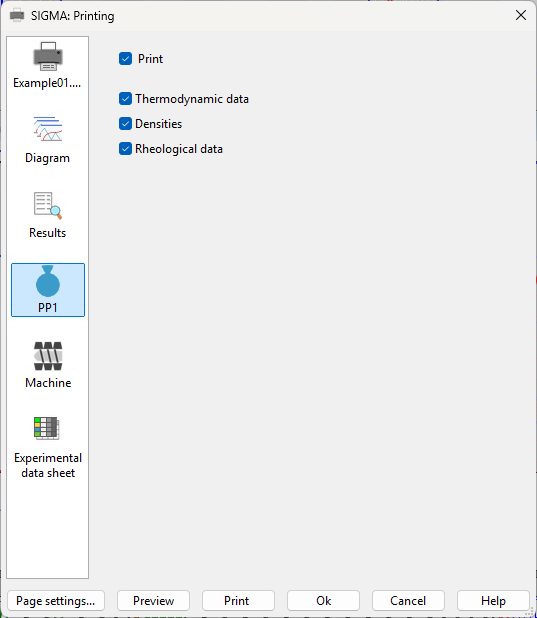 Figure: Dialog box Print – Material