Measure Palette
Measure Palette
Path: Main menu > Project > Print/Preview…
Path: Main menu > Experimental data > Manager Button: Print…
Path: Main menu > Experimental data > Load measuring data table… Button: Print
Within this printing section (cf. figure) the user can get all relevant data about the used measure palettes. Besides the table, the used design, the analysis and the optimization will be also printed.
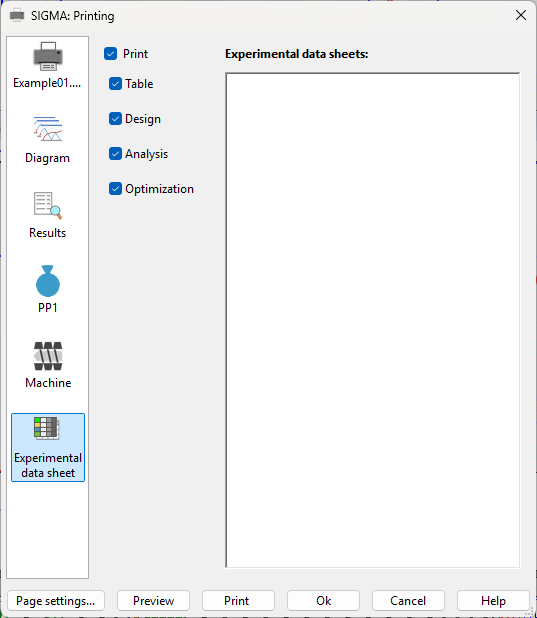 Figure: Dialog box Print – Experimental data sheets