Dies ist eine alte Version des Dokuments!
Databases
Databases
Path: Main Menu: Material > Connect to database…
Path: Explorer window > Tab: Machine > Button: connect
SIGMA offers you the possibility to connect to a material or machine database. For a successful database connection four parameters are needed:
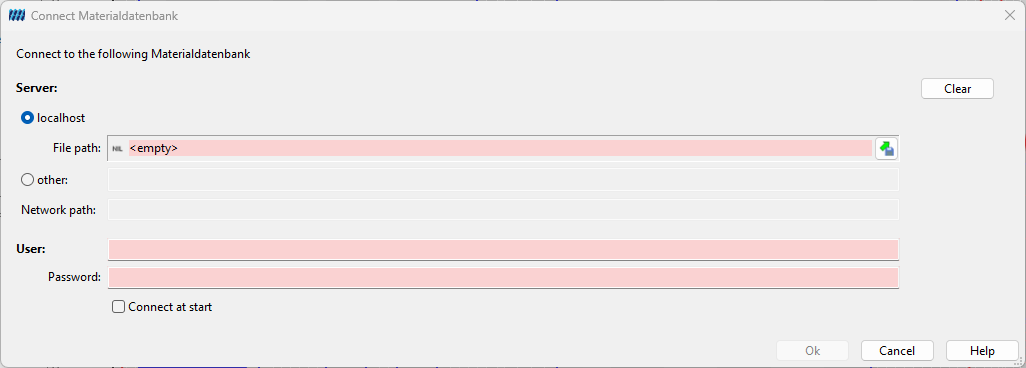 Figure: Database login dialog
Note: If your work station computer is the server, please choose localhost.
Server: A symbolic or numerical IP address of a computer on which the data base is physically saved and a corresponding data base service (Firebird/Interbase) is running.
Path: Indicates the location of the database. If your work station computer is the server, you can search for the file with the Disk-Icon. The local database of PAM for example is in the program directory of Pam and is called Pam2.0.gdb.
Connect as (User): The user name of the database decides your rights. With a standard installation of PAM the user name is SYSDBA. If the database service does not accept this login, ask your administrator for help.