Dies ist eine alte Version des Dokuments!
Machine
Machine
Path: Main menu > Project > Print/Preview…
Path: Main menu > Configuration > Configuration editor… Button: Print
The user is able to print all relevant information which belong to the machines in use (cf. figure). With this, SIGMA makes it possible to show the general machine information either with or without its machine elements. Furthermore, the user can print the screw and cylinder configuration. To get more detailed information about the used machine elements, the user has to select them either via list or under Details.
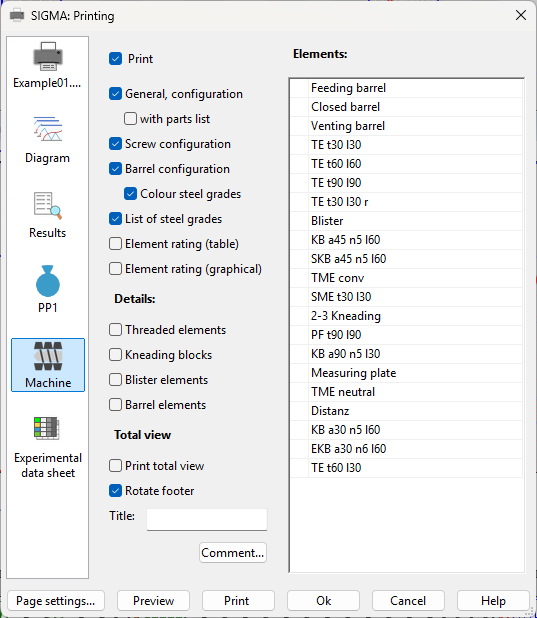 Figure: Dialog box Print – Machine