Dies ist eine alte Version des Dokuments!
Export and Import a Process
Export and Import a Process
Path: Main menu > Project > Import process…
Path: Main menu > Project > Export process…
The menu items Process import and Process export are used for transferring and backing up SIGMA processes to storage media.
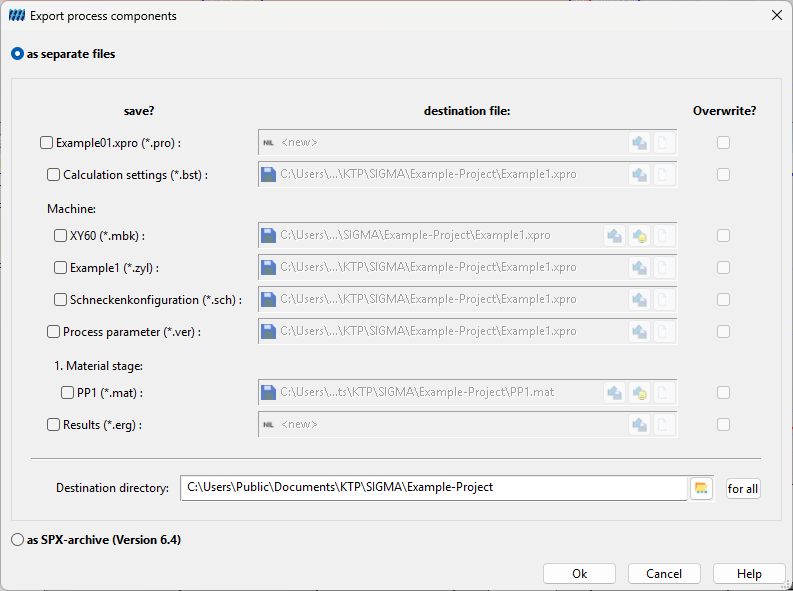
When a process is exported, the files directly associated with the process (machine data, configuration, process parameters, material data) are combined into a single file and saved.
After specifying the file name and storage location, the export operation is executed by selecting save. The saved process is given the file extension .spx.
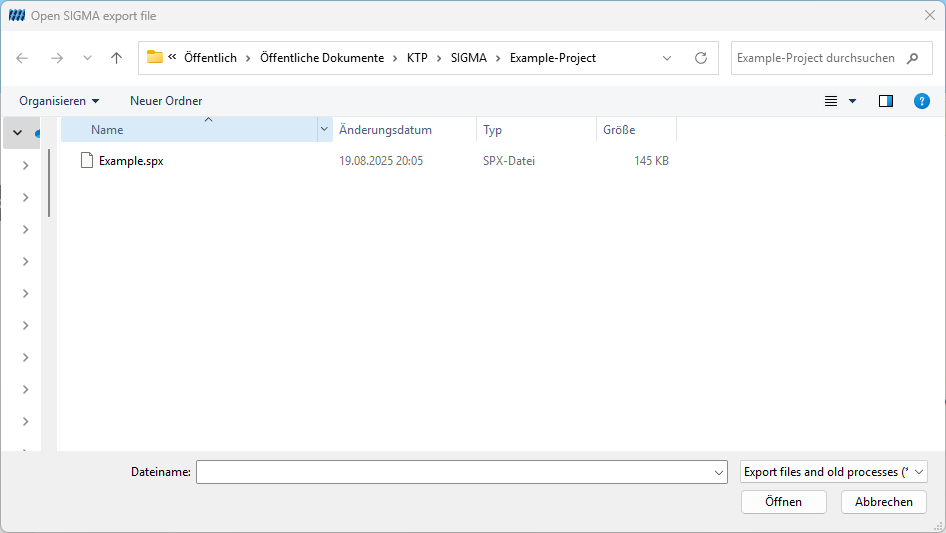
To load this export file, the menu item Process import is available. This imports the export file into a project directory and reconverts it into the individual file formats associated with the process.
The dialog that opens displays a table with the original file names from the .spx file and the names under which they will be saved in the project directory. If files with the same name already exist in the project folder, the corresponding rows are highlighted in red and the user must explicitly confirm overwriting the files or rename them. Only then can the import process be completed.