Dies ist eine alte Version des Dokuments!
Create a Process
Create a Process
Path: Main menu > Project > Create process…
The dialog box appears. In the name window you enter the name for the new process. In the window above you will find the project path in which the new process is stored. It cannot be changed. You also have the opportunity to take over already saved process data to the new process. Use take over process data to do so.
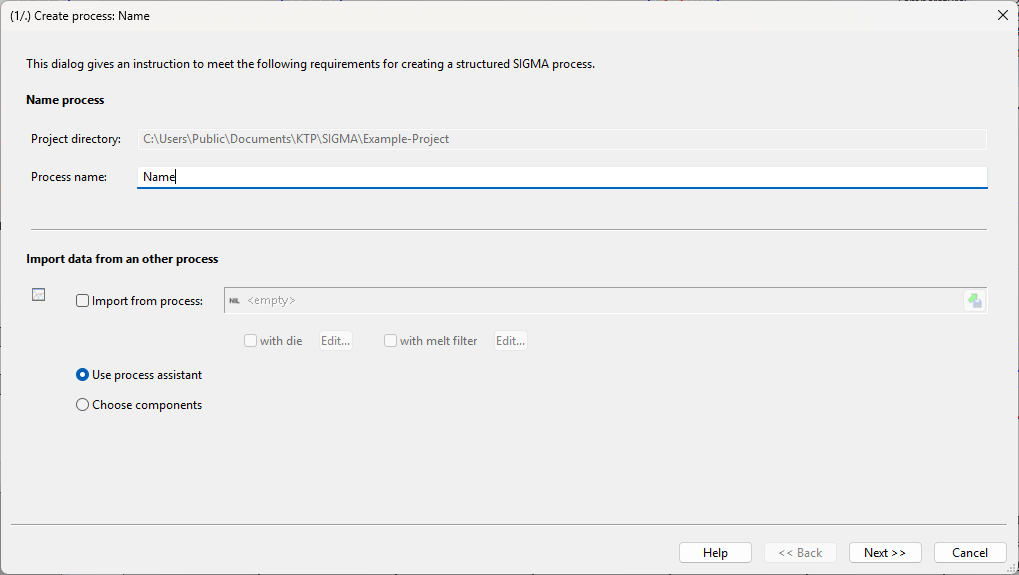 *Figure:* (1/7) Create process
Once the new processes’ name is entered the second step is to load a machine configuration from a file, take it over from another process or create a new resp. empty machine. The loaded machine can be edited or manipu-lated via the edit button. In order to create a new machine configuration, the already loaded machine configuration can be reset via the delete button.
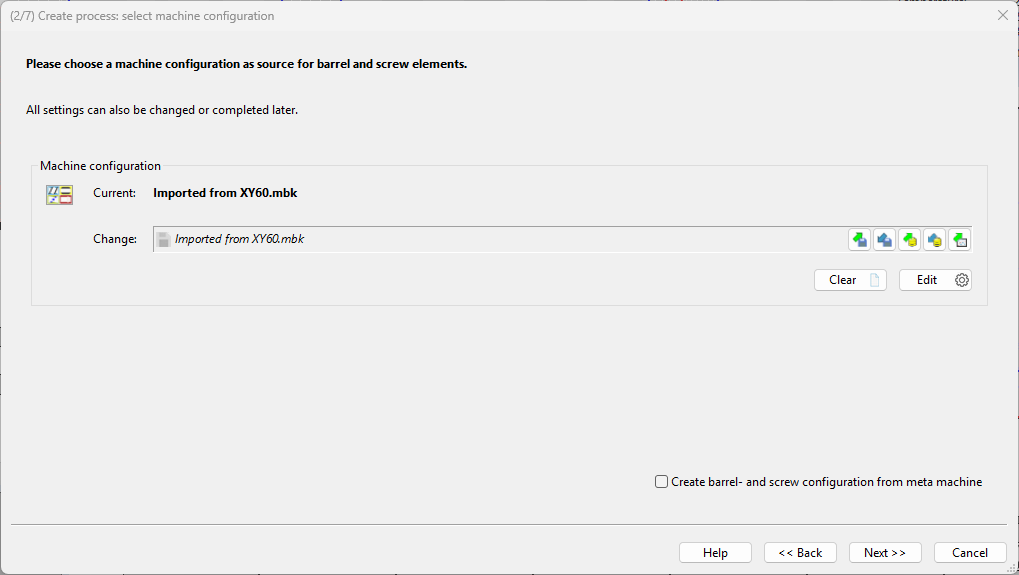
*Figure:* (2/7) Create process
After choosing and editing the machine, screw- and barrel configurations have to be chosen/ created in the same way. The procedure is equivalent to step (2/5).
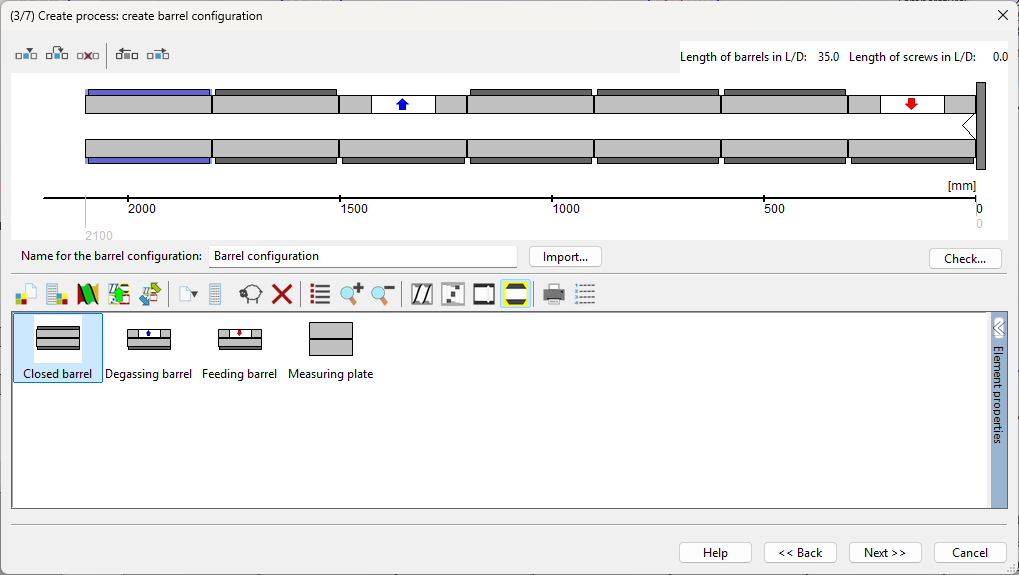
*Figure:* (3/7) Create process
This step allows to load already existing process parameters and calculation settings from a file or they can be created completely new.
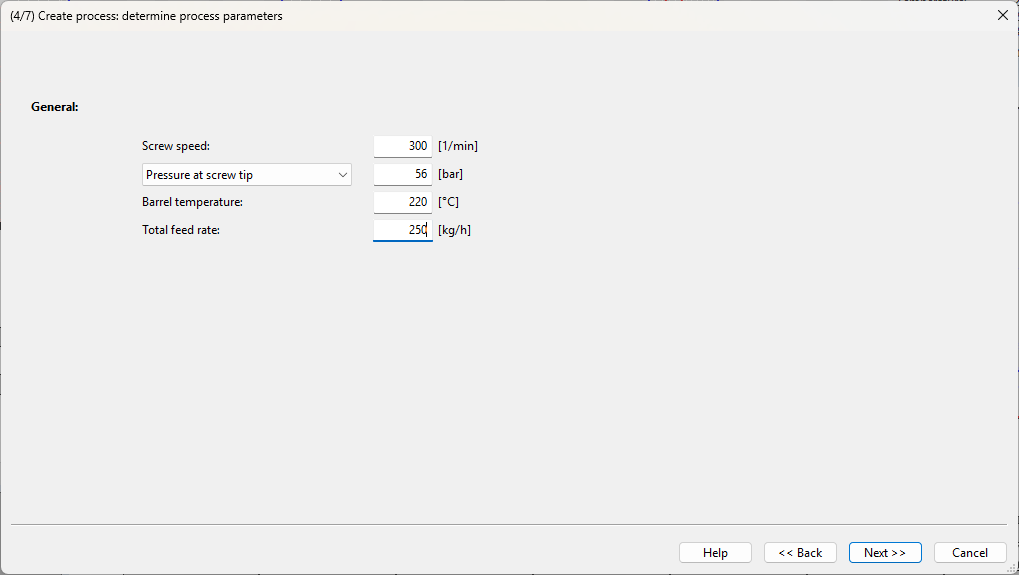 *Figure:* (4/7) Create process
At the end an overview of the components, with which the new process was created, appears.
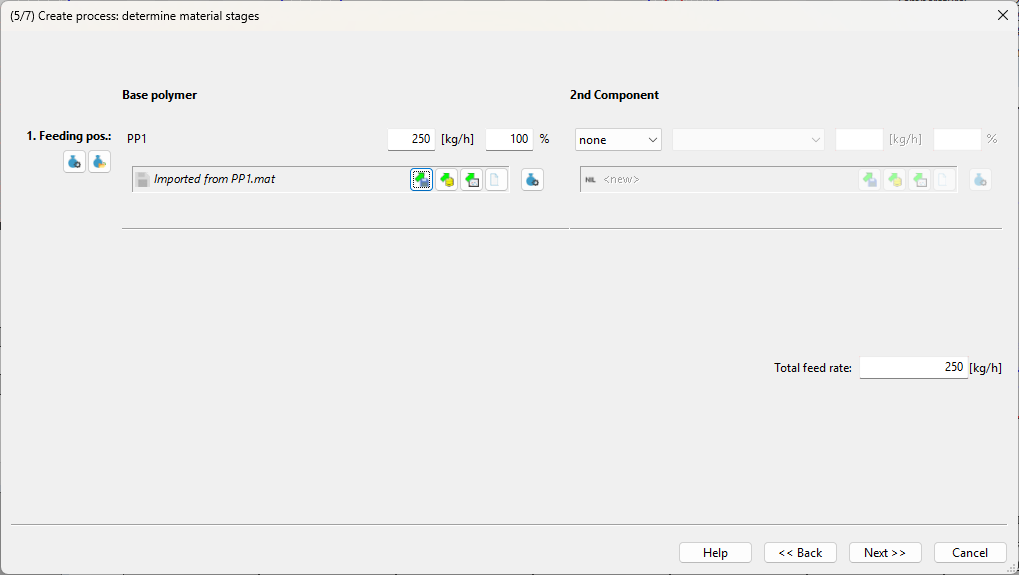
*Figure:* (5/7) Create process
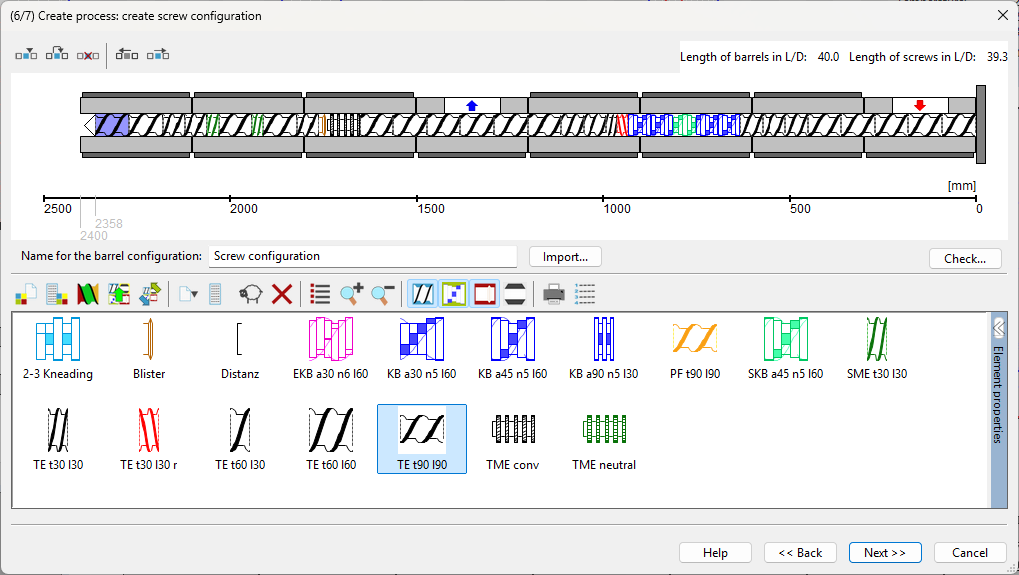 *Figure:* (6/7) Create process
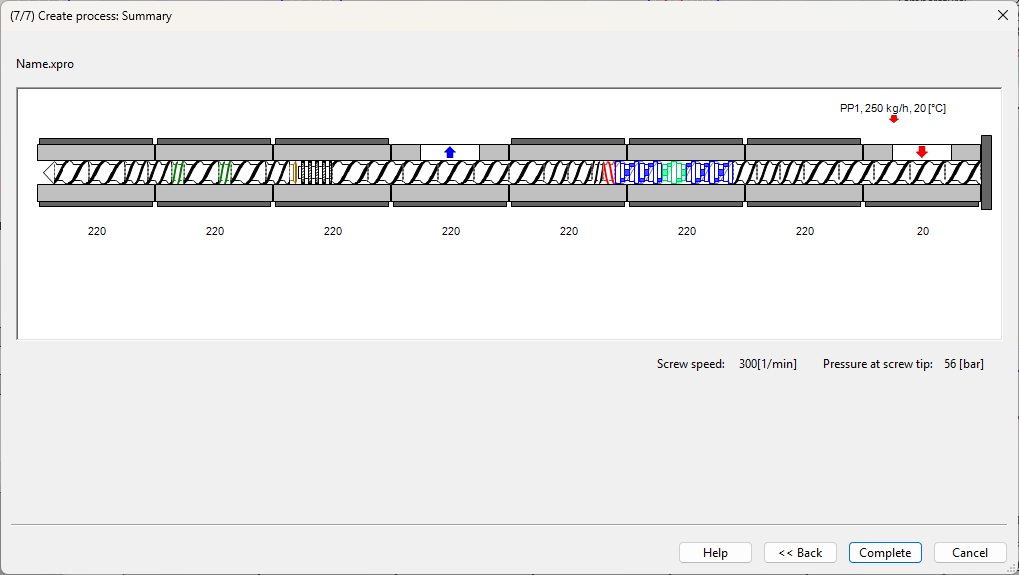 *Figure:* (7/7) Create process