Snapshot
Snapshot
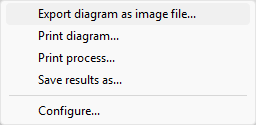
Path: Diagram > Right mouse button > Export diagram as JPEG file…
If the user positions the mouse cursor over a result chart, the graphic can be saved in JPEG format via the context menu, which opens when the right mouse button is clicked.
Afterwards, it can be decided whether a graphical representation of the machine should be displayed below the chart or not.
Further topics
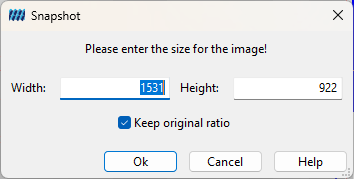
In addition, the image size can be defined. After clicking the OK button, the storage path and file name must be selected.