Dies ist eine alte Version des Dokuments!
Snapshot
Snapshot
Path: Diagram > Right mouse button > Export diagram as JPEG file…
If the user is on a result diagram with the mouse cursor he can save the diagram as a JEPG file by clicking with the right mouse button.
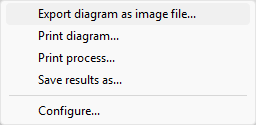 **Figure: **Context menu in the diagram
Afterwards the user can decide whether or not he wants a graphical depiction of the machine below the diagram.
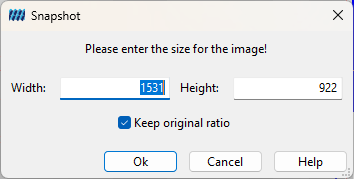 Figure: Snapshot Dialog