Migrating a Firebird 2.5 Database to a Firebird 5 Database
You can find the current PAM version here.
Background
Since 17 April 2026, the security vulnerability CVE-2026-40342 has been known for Firebird. To avoid potential risks, we recommend that you promptly uninstall the currently installed Firebird version and switch to the latest version.
Please then install the following version: Firebird 5.0.4 für Windows x64
Automated Migration
Automated database migration is available starting with version PAM 3.1.2.
First, make sure that Firebird 2.5 32-bit has been uninstalled and that Firebird 5.0.4 für Windows x64 is installed.
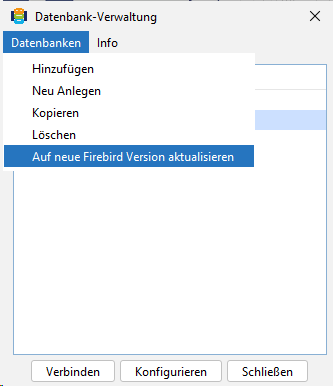
To migrate your material databases from Firebird 2.5 to Firebird 5, please use the wizard in PAM Material Database Management. To do this, click Databases in the menu and then Update to new Firebird version.
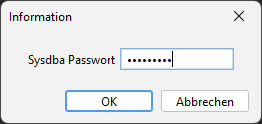
Then enter the administrator password for the user sysdba.
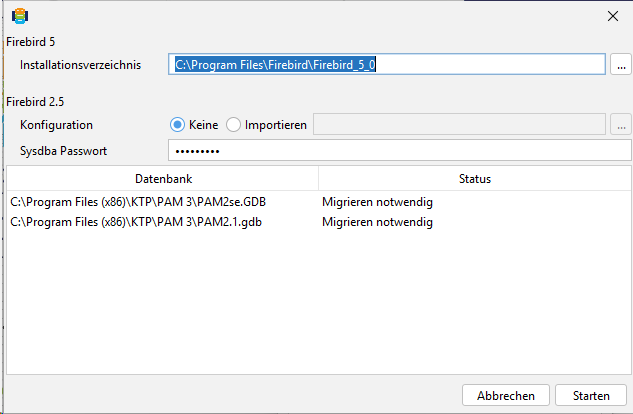
You will now see the databases listed in PAM that require migration. Then click Start.
Open the Task Manager and stop the FirebirdServerDefaultInstance service.
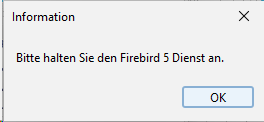
Then restart the FirebirdServerDefaultInstance service.
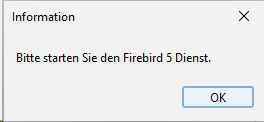
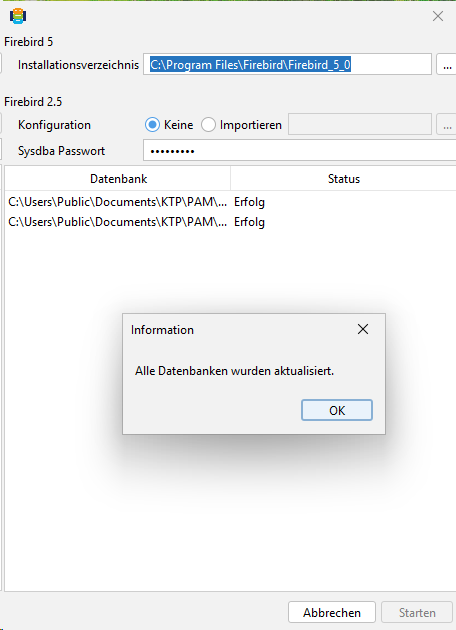
Once the databases have been migrated successfully, the status changes to Success. You can then close the wizard.
The material databases are now available to you again.