Options - Result List
Options - Result List
Path: Main menu > Options > Result list…
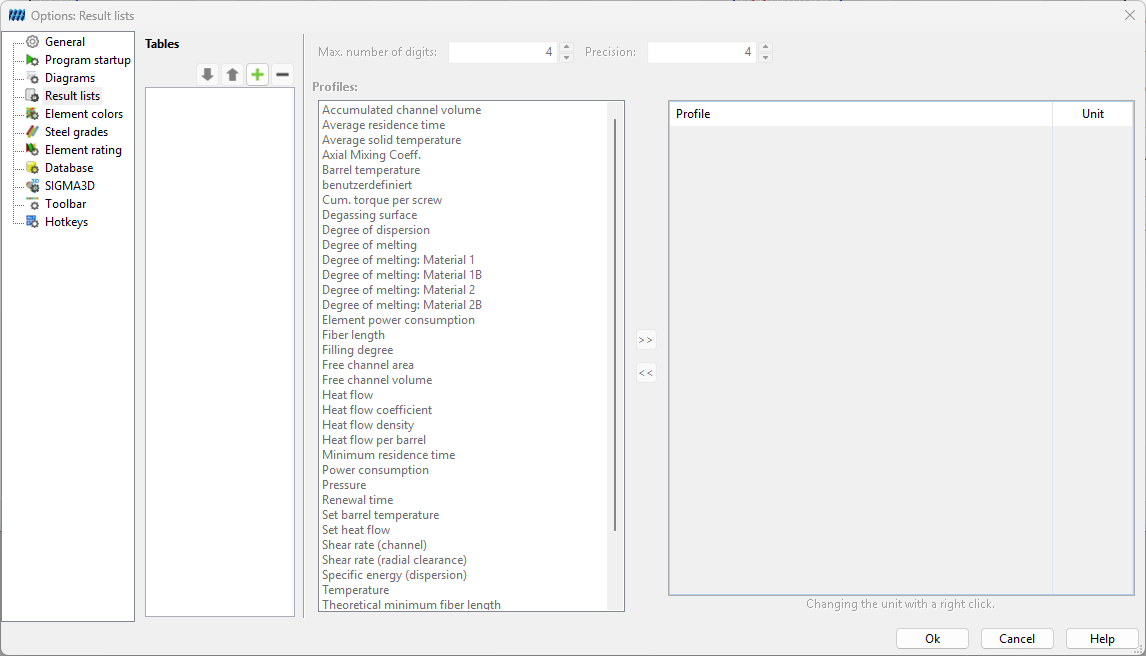
Figure: Options Result lists
The tab** Result list** makes it possible to determine new tables for the output of results. In order to define a new table click on the button New table . In the opening window a name for the new table has to be entered and then confirm with Ok. It is possible to make settings concerning the maximal number of points and post decimal positions which differ from the standard settings. In order to determine which data should be given in the new table, mark the desired value in the left window and click on the button with the two arrows to the left. After that the marked value will be shown in the listing on the right. In order to delete values which are in the list on the right site, mark them and click on the button with the two arrows to the left. If the whole table should be deleted mark the table in the window on the top of the tab and click on the button Delete table .