Options - Program Startup
Options - Program Startup
Path: Main menu > Options > Program Startup…
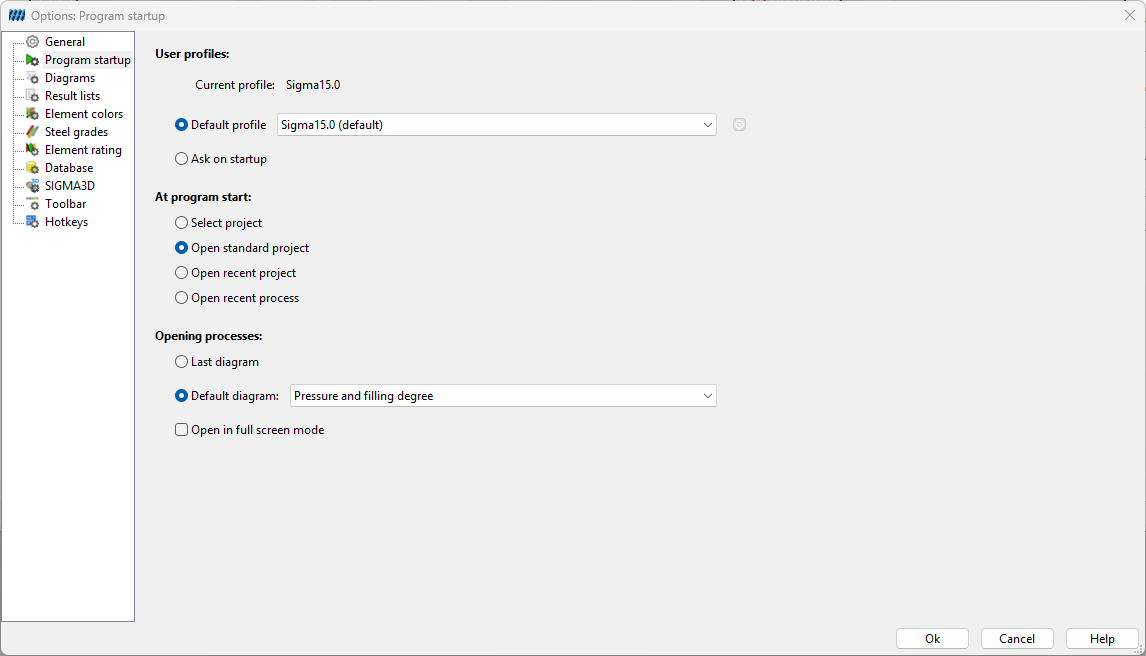
With the dropdown menu next to Default profile, a desired profile can be set as the default profile. Furthermore, it is possible to select the required profile each time SIGMA is started.
Under section at program start you can define which projects or processes are to be opened and how. Open process defines which diagram is automatically displayed when a process is opened.