Dies ist eine alte Version des Dokuments!
Control Variables
Process Parameters
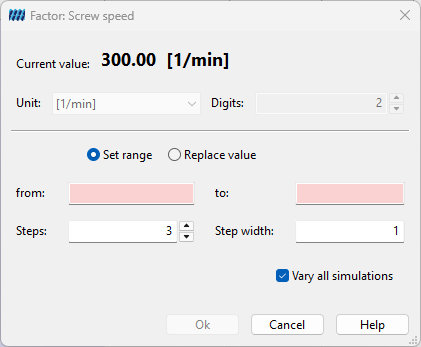
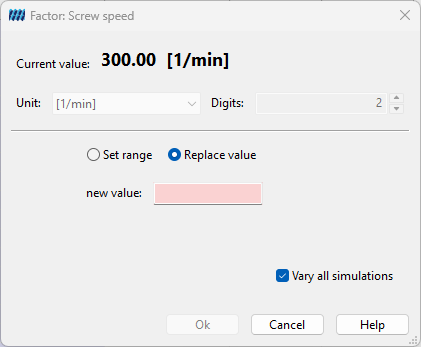
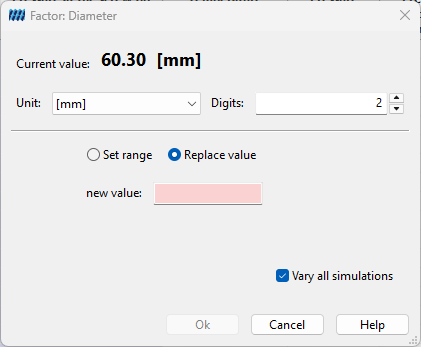
Factors of the category process parameters can either be set by a value interval or by one single value.
As a guide the current value of the basic process is shown. With many of the factors the depiction of the values in the experimental design can be adapted via the menu Unit or the input field Digits.
If a value interval shall be set, the radio button Set range has to be marked. The lower limit of the interval is set in the text field From, the upper limit in the text field To. The number of interval steps can either be determined via the input field Steps or via the input field Step width.
If a single value shall be set, the radio button Replace value has to be marked; the value is entered in the input field New value.
Via the check box Vary all experiments the user can choose if only the basic process or all processes contained in the experimental design shall by varied.
Machine Configuration
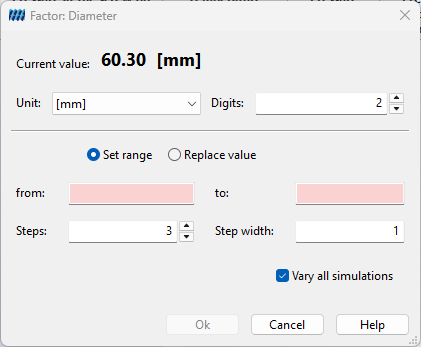
Factors of the category process parameters can either be set by a value interval or by one single value.
As a guide the current value of the basic process is shown. With many of the factors the depiction of the values in the experimental design can be adapted via the menu Unit or the input field Digits.
If a value interval shall be set, the radio button Set range has to be marked. The lower limit of the interval is set in the text field From, the upper limit in the text field To. The number of interval steps can either be determined via the input field Steps or via the input field Step width.
If a single value shall be set, the radio button Replace value has to be marked; the value is entered in the input field New value.
Via the check box Vary all experiments the user can choose if only the basic process or all processes contained in the experimental design shall by varied.
Components
Materials, Screw and Barrel Configuration
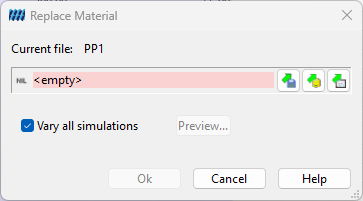
The factors materials, screw and barrel configuration are set by loading a new file.
The dialog to choose the corresponding file is navigated via the button Open file.
Via the check box Vary all experiments the user can choose if only the basic process or all processes contained in the experimental design shall by varied.
Barrel Temperature Profile
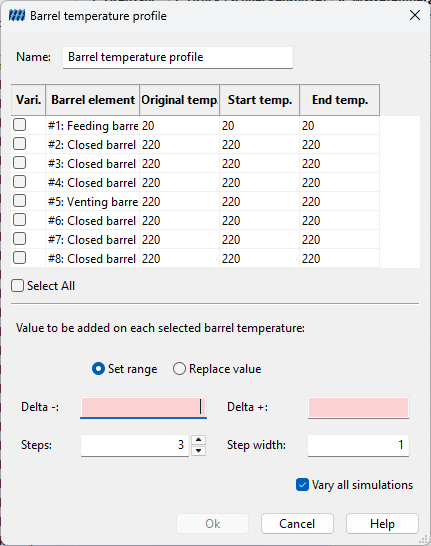
To configure the factor Barrel temperature profile in the first step the barrel elements have to be defined which shall be included in the modification. Choosing them is done via the check boxes in the table rows Vary.
The barrel temperature profile can be set either by a value interval or by one single value.
A value interval is set by marking the radio button Set range. The lower limit of the interval is set over the addition of the input in the text field Delta -, the upper limit over the addition of the input in the text field Delta + and the selected barrel temperatures. The number of the interval steps can either be determined in the input field Steps or in the input field// Step width//. If the lower limit shall be less than / equal the initial value, a minus must be put in front of the value.
If a single value shall be set, the radio button Replace value must be marked; the value in the text field Offset is added on the selected barrel temperatures.
Via the check box Vary all experiments the user can choose if only the basic process or all processes contained in the experimental design shall be varied.
Screw Element
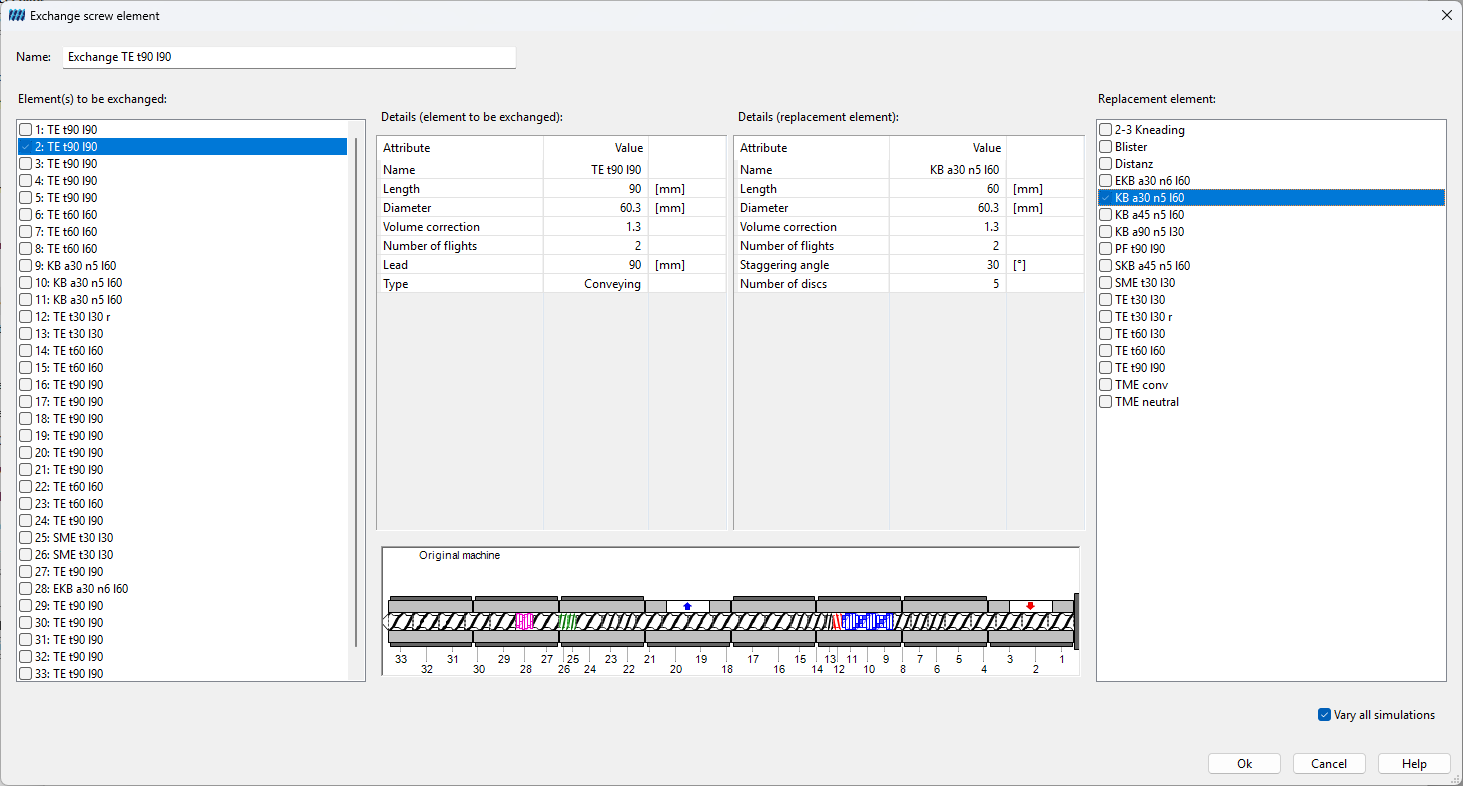
The configuration of the control variable Screw element includes exchanging a screw element.
Possible elements to be exchanged – all screw elements of the basic processes – are shown in the window of the same name on the ride side of the configuration dialog. Potential replacement elements – all elements in the machine configuration of the basic process – are depicted in the window of the same name on the left side of the configuration dialog.
Details of the single elements – e.g. length or diameter – can be shown by clicking on the corresponding name in the adjacent window.
Choosing an element to be exchanged or a replacement element is done by ticking the corresponding check box.
If more than one replacement element is chosen, accordingly more than one experiment is the result of the configuration.
Via the check box Vary all experiments the user can choose if only the basic process or all processes contained in the experimental design shall by varied.
The input in the field Name is optional. If the user leaves this field empty, the system enters a standard name.