Create a New Measuring Data Table
Create a New Measuring Data Table
Path: Main menu > Experimental data > Measuring Manager…
First of all a new measuring data table has to be created. The Measuring data manager is opened by choosing Experimental data, Manager or by clicking on the corresponding icon in the toolbar.
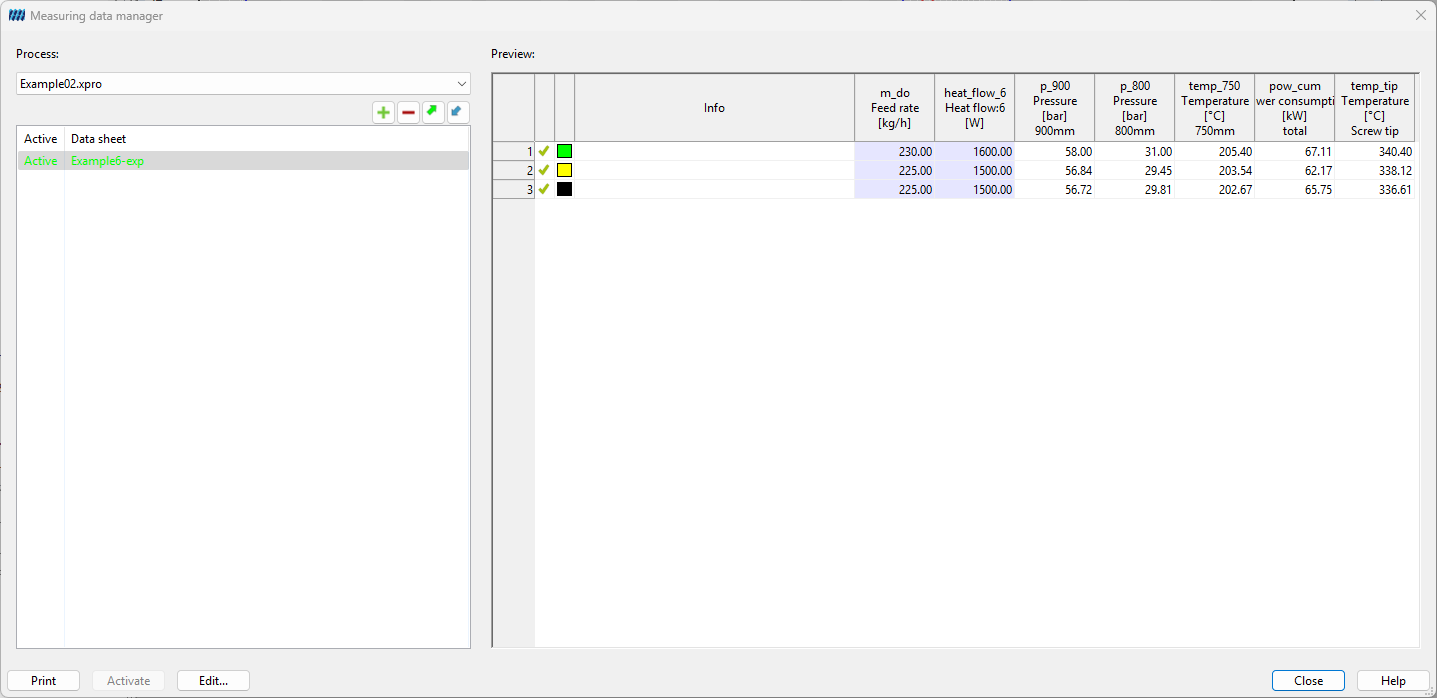
Figure: Measuring data manager
In the opening dialog box Measuring data manager (see figure) it is possible to create, load , edit, print and delete measuring data tables . Furthermore, by means of the measuring data manager test data can be imported from MS Excel . Click the button New ** to open a new **Measuring data table (see).