Dies ist eine alte Version des Dokuments!
Experimental Data Management
Create a New Measuring Data Table - Measuring Manager
Path: Main menu > Experimental data > Measuring Manager…
First of all a new measuring data table has to be created. The Measuring data manager is opened by choosing Experimental data, Manager or by clicking on the corresponding icon in the toolbar.
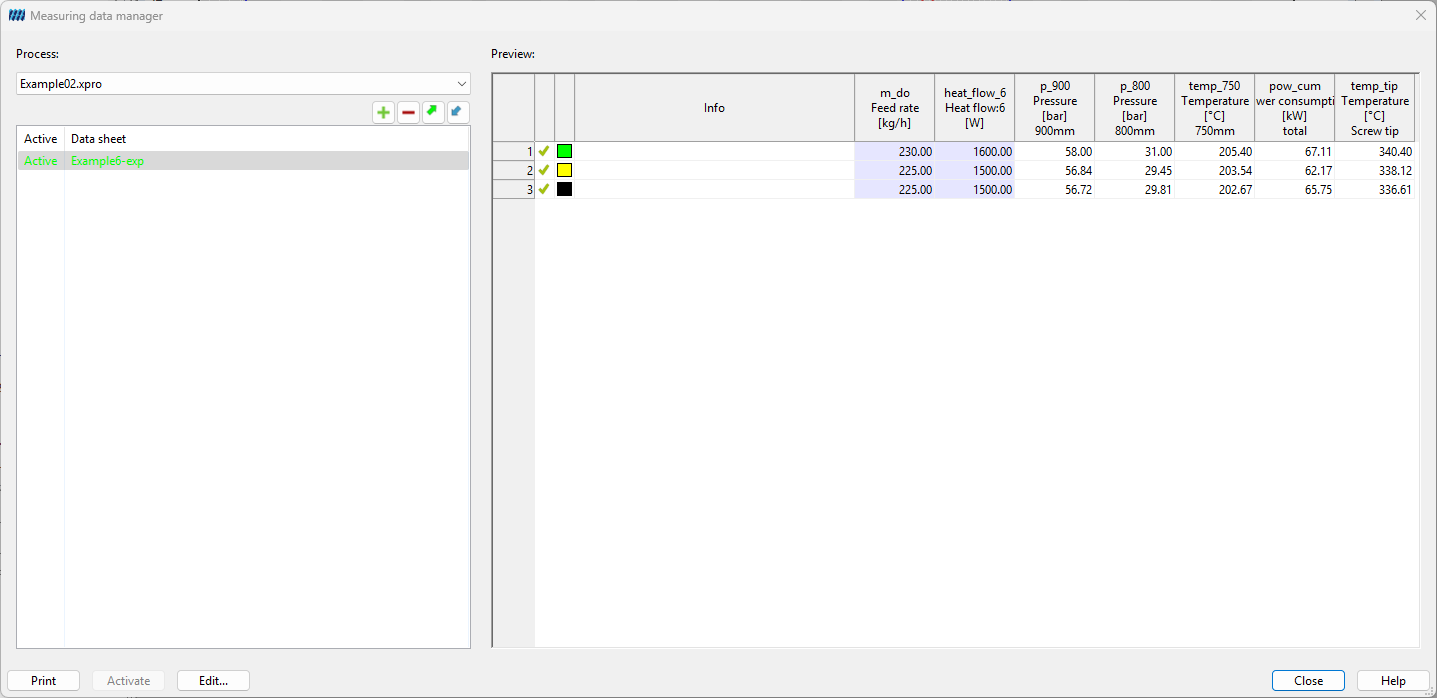
In the opening dialog box Measuring data manager (see figure) it is possible to create, load , edit, print and delete measuring data tables . Furthermore, by means of the measuring data manager test data can be imported from MS Excel . Click the button New ** to open a new **Measuring data table (see).